TODAY IS THE DAY YOU MUST HAND IN YOUR FINAL VERSION OF THE MAGAZINE FRONT COVER VIA GOOGLE CLASSROOM. THERE WILL BE NO FURTHER EXTENSIONS FOR THIS PIECE OF NEA.
NOTICE
Unfortunately, I'm not in school today as I have to isolate until 2nd December. I'm really sorry about that and wish I could be there for you. However, because I blog our lessons and we have access to a Google Meet via Google Classroom, this won't stop us learning. The only difference is that you are allowed to work from home rather than attend the classroom.
UPDATE: Because so many of you can't access the live lesson, I've added recorded tutorials to the blog instead, so that you can work your way through today's lesson. However, I will be online between 9:30am and 11:00am to answer any questions or guide you through a review of your NEA work (or anything else you need). Just come online and join the lesson from our Google Classroom when you need me. Hope that works better for you?
EXPLAIN
I believe we are yet to cover our set text, Dream by Dizzee Rascal. You will need your copy of Adobe Premiere Pro downloaded and installed on your computer (from Adobe Creative Cloud) for this task. If you have an alternative video editor, you may use that too (including WeVideo on Chromebooks).
The first thing we must do, however, is to understand the information in the Dream Factsheet, identifying and highlighting the key facts. If you are using a physical copy of the factsheet, you can use a highlighter pen. If you are downloading the facsheet as a pdf, you can use the highlighting tool in Kami. You will have 15 minutes to read the sheet and to highlight the key facts. Here is a link to a tutorial, showing you how to download the factsheet and annotate in Kami.
MODEL
In this tutorial I will show you how to complete the following tasks using Adobe Premiere Pro;
- Import a video
- Insert a video into the timeline
- Add text to a video
- Slice a video to provide room for an inter-title
- Export a video, selecting an appropriate format
Adobe Premier Pro Tutorials
PRACTISE
Now, to demonstrate your understanding of the Dream video, you should annotate a copy using all the key facts you have identified.
- Download the Dream video from our Google Classroom.
- Take the key facts from the factsheet and annotate the Dream Video using Adobe Premiere Pro.
- Use a combination of text overlays and inter-titles. Remember, the information must be on screen long enough for someone to read it!
- Once completed, export the edited video as a H.264 video.
- Hand in the annotated video via Google Classroom.
- Upload the annotated video to your Google Drive too
- Post hyperlinks to the Dream Factsheet and your annotated video on your online learning journal.
_____________________________________
NEA FINAL SUBMISSION (DOUBLE PAGE SPREAD)
MODELS OF EXCELLENCE
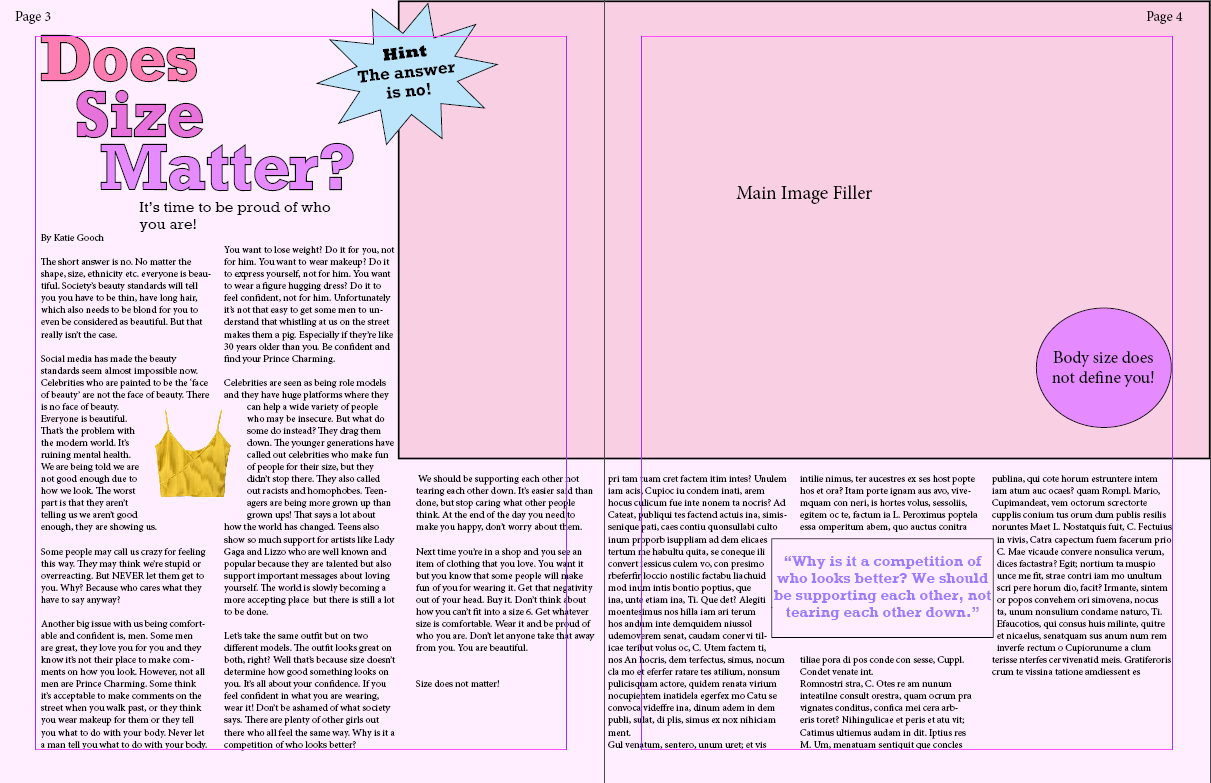
Here are some examples of double-page spreads from published magazines. Use these as models for your own submissions.
REQUIREMENTS
Firstly, let's just remind ourselves of the requirements set out by the exam board.
MODEL
Now let's remind ourselves of the definitions:
DRAFT NEA REVIEW
Now Let's consider your draft submissions. For each, let's consider the following questions. I've added some key questions under each of your individual submissions too.